
How to use SafariLingo offline on safari
Step-by-step: download SafariLingo before your trip, use it without signal on game drives, and keep clean sighting logs that sync later.
Most safari frustrations happen at the exact moment you need information: the animal appears, the vehicle moves, and the signal drops. SafariLingo is built for that reality. Here is a practical workflow to get the most from the app offline — without draining your battery or cluttering your photos.
Key things to know
- Do your setup before you fly: downloads, language choice, and a quick browse.
- On the drive, use SafariLingo for fast ID first, then deeper reading later.
- Log sightings as you go; clean data beats ‘I’ll remember later’.
- Keep battery healthy: brightness, low-power mode, and disciplined charging.
- Sync and share when you reconnect — no rush in the bush.
Before you travel: download and test
The best offline app is the one you tested before you need it. Open SafariLingo while you still have reliable Wi‑Fi, let content finish downloading, and try a few key flows: finding an animal, playing a call, and creating a sighting.
If you travel with friends or family who speak different languages, set the app language you want for the trip — SafariLingo supports nine languages on the same device.
- Open the animal library once (to warm the cache and verify content).
- Choose your language and confirm names/descriptions look correct.
- Try one call playback with volume low (be respectful in camps).
- Create a test sighting and make sure it appears in your log.
On a game drive: a simple ‘ID → learn → log’ loop
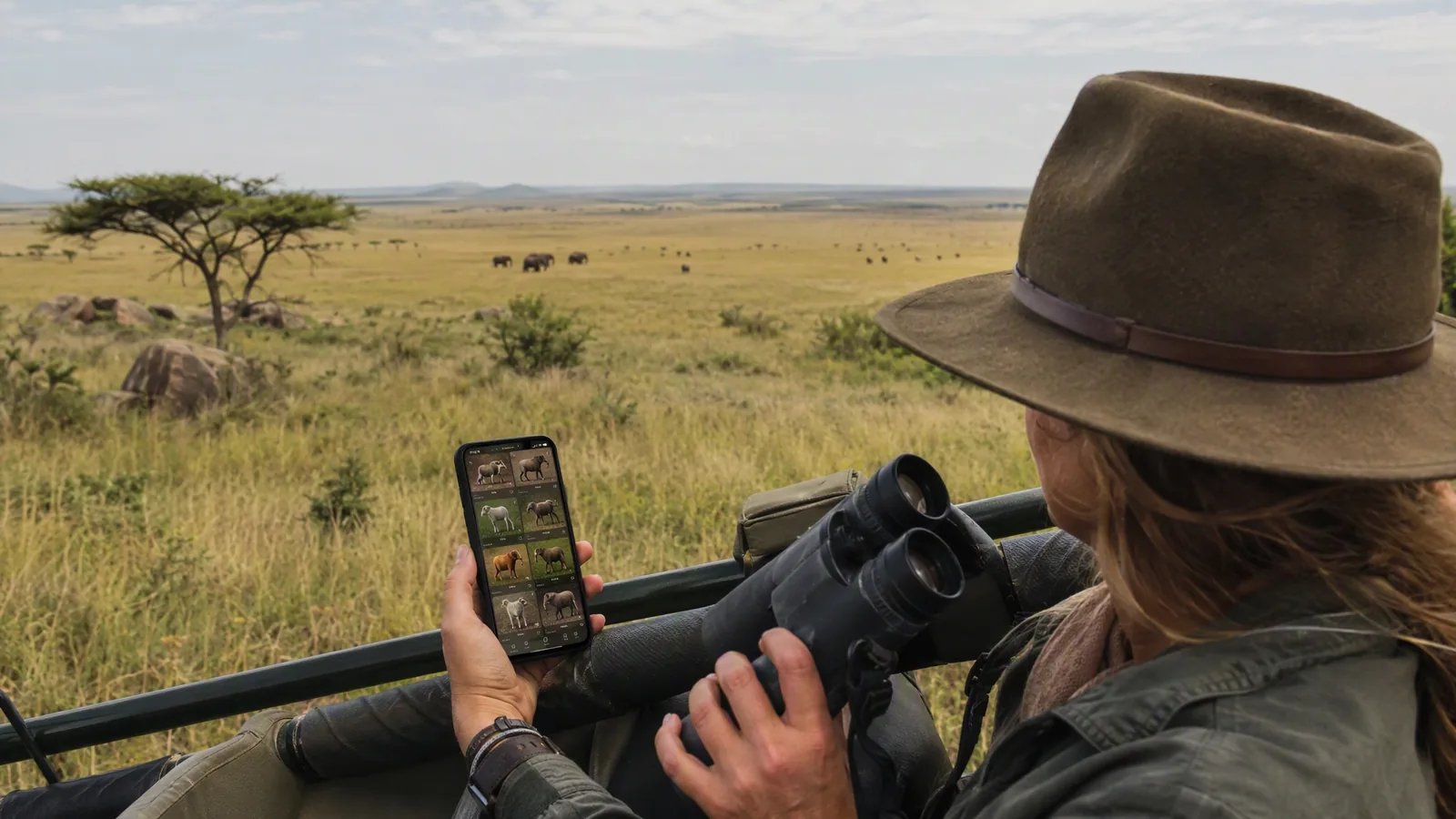
In the moment, speed matters: identify quickly, then return to deeper reading when the vehicle is moving or you are back in camp. A good rhythm is: scan with binoculars, confirm the species, then log the sighting with a short note.
This workflow keeps the drive focused on wildlife while still building a personal record you can share later.
- Identify: use filters and the Big Five toggle to narrow fast.
- Learn: read one key paragraph (habitat/diet/ID cues) to anchor memory.
- Log: save place/time, plus one sentence about behaviour.
- Review in camp: use the log to revisit species calmly.
Battery and offline sanity tips
Phones die faster on safari because of bright screens, GPS, and constant camera use. A few habits make a big difference.
Remember: SafariLingo does not need a live connection, so you can safely use airplane mode or keep data off to save power.
- Use low-power mode and reduce screen brightness.
- Bring a power bank for long drives.
- Turn off background app refresh you do not need.
- Keep your phone cool; heat accelerates battery drain.
- Sync later — do not chase reception mid-drive.
References & further reading
- Sinclair, A. R. E., et al. (Eds.) (2015). Serengeti IV. Chicago: University of Chicago Press.
- Estes, R. D. (2012). The Behavior Guide to African Mammals. Berkeley: University of California Press.
- Kingdon, J. (2015). The Kingdon Field Guide to African Mammals (2nd ed.). London: Bloomsbury.
- IUCN (2024). The IUCN Red List of Threatened Species, Version 2024-1. www.iucnredlist.org.
Do it with SafariLingo
Take SafariLingo on safari: 300+ species, real animal calls, offline maps and sighting logs — all in your language, wherever you roam.
Get the appFrequently asked questions
Does SafariLingo work with no signal at all?
Yes. SafariLingo is designed to work fully offline once content is downloaded.
Will my sightings sync later?
Yes. Your logs can sync the next time you have a connection. You do not need reception during the drive.
Is it okay to play animal calls on safari?
Use calls responsibly. In many parks it is discouraged to play calls near wildlife because it can disturb behaviour. Keep volume low and follow your guide’s rules.
How can I save battery while using the app?
Use low-power mode, lower brightness, and rely on airplane mode when you do not need data. A power bank is often the simplest fix.
Do I need to create an account to use SafariLingo offline?
You can browse the field guide offline. Account needs can vary by features, but offline identification does not depend on live connectivity.